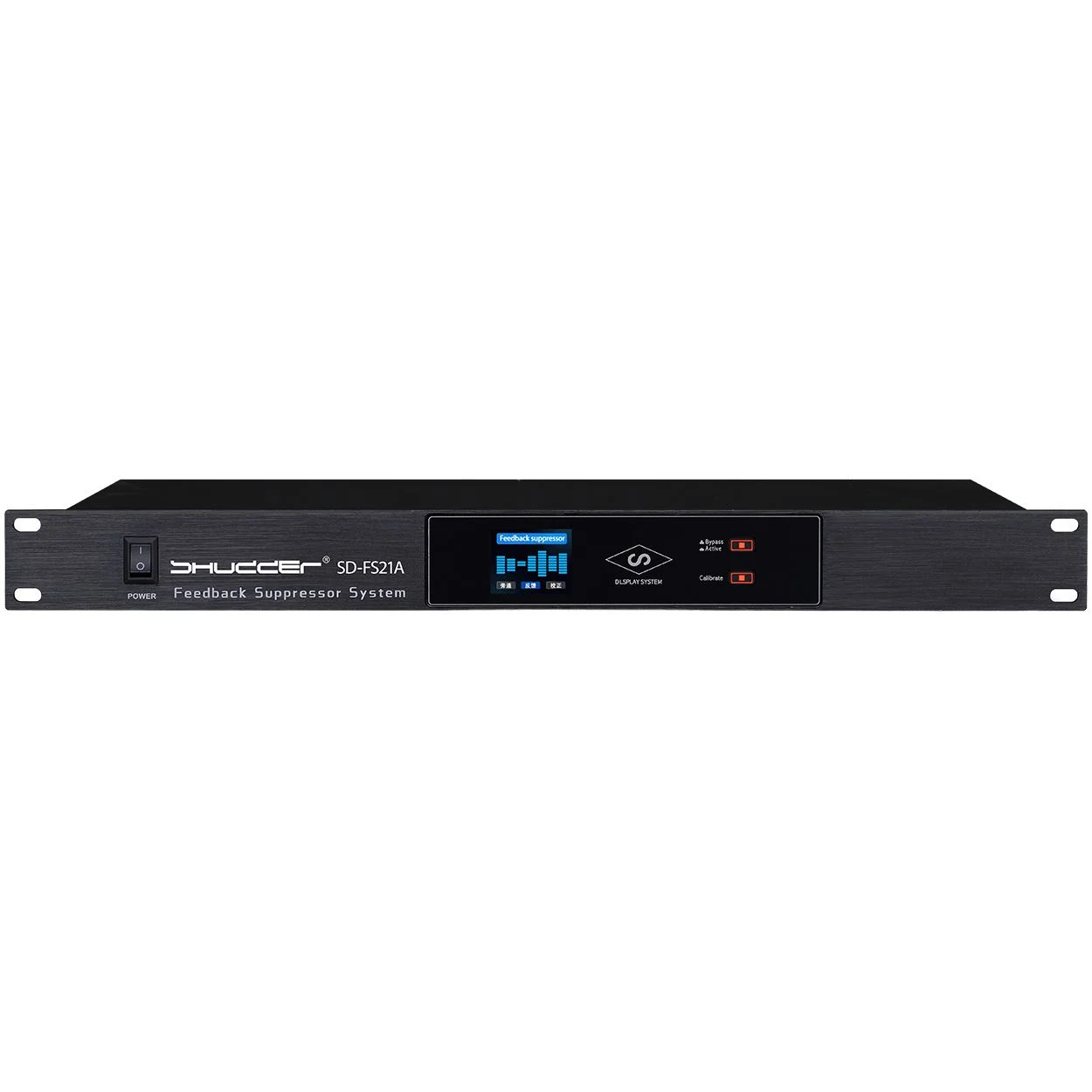
SD-FS21A
Shudder SD-FS21A Feedback Suppressor System – Automatic Feedback Eliminator
● ships today349 €
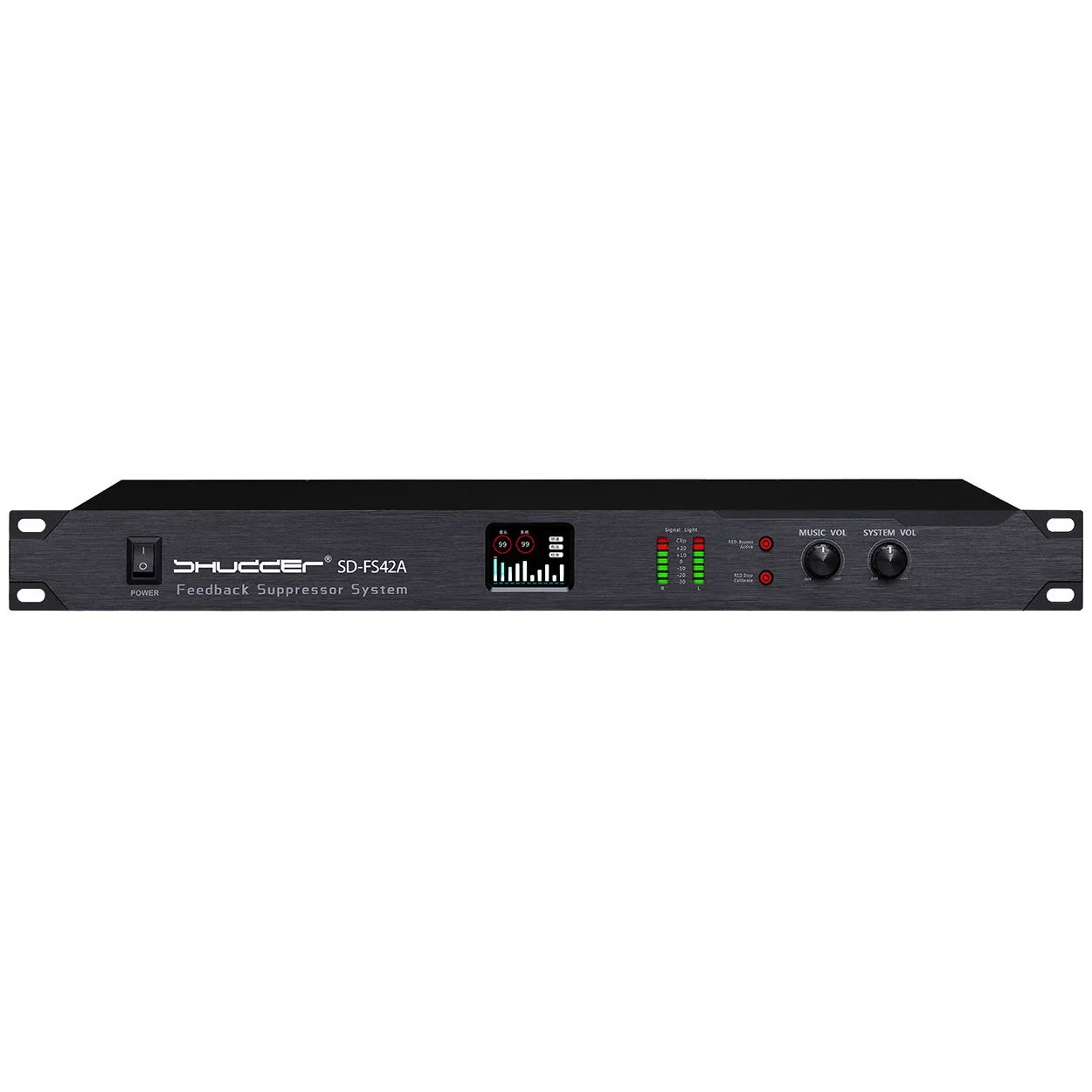
The Shudder SD-F42A feedback suppressor (code SD-FS42A) is a 4-channel digital unit that helps you get rid of that nasty squeal from your speakers when several microphones are in use at once.
The Shudder SD-F42A feedback suppressor (code SD-FS42A) is a 4-channel digital unit that helps you get rid of that nasty squeal from your speakers when several microphones are in use at once. It detects the frequencies that are starting to "feed back" and automatically trims them. It fits a standard 19" rack and takes up 1U of height.
Feedback happens when sound from a speaker travels back into a microphone, gets amplified again and goes back out through the speaker. The result is a piercing squeal or whistle. The more microphones you have and the louder the system is, the easier it is to run into trouble.
The unit analyses the signal with a DSP processor and automatically cuts the narrow frequency bands that cause feedback. This means you don't have to hunt for problem frequencies by hand on an equaliser. According to the manufacturer, the suppressor gives you an extra 6–12 dB of gain before feedback appears, and it takes about 10 seconds to adapt to the room.
Each of the four channels has a combo socket (XLR or 6.35 mm jack) and its own phantom power switch (+48V). That means you can connect both dynamic microphones and condenser microphones, which need this power supply.
The Signal Level switch (HIGH / MED / LOW) lets you match the sensitivity to your source: a wired microphone, a condenser microphone or a wireless receiver. Setting it correctly helps to reduce distortion and noise.
MUSIC VOL controls the level of music from the RCA input (for example, background music), while SYSTEM VOL controls the level of the whole system.
You connect your microphones or wireless receivers to the SD-FS42A and send the balanced XLR output to a mixer or amplifier.
This is the recommended option for larger systems. You send selected microphone channels through the suppressor, while the rest of the system carries on working as before.
| Parameter | Value |
|---|---|
| Brand / model | Shudder SD-FS42A |
| Number of channels | 4 |
| Microphone inputs | 4x Combo XLR / 6.35 mm jack, independent +48V phantom power |
| Line inputs/outputs | RCA (In/Out) |
| Main outputs | 2x balanced XLR |
| Sensitivity control | Signal Level: HIGH / MED / LOW |
| Sampling rate | 32 kHz |
| Frequency response | 125 Hz – 15 kHz |
| THD distortion | < 0.1% (1 kHz) |
| Signal-to-noise ratio | > 90 dB |
| Additional gain margin | 6–12 dB |
| Power supply | AC 220–240 V, 50/60 Hz (IEC socket with fuse) |
| Case | 19" rack, 1U |
| Weight | 4 kg |
A feedback suppressor helps you get extra volume headroom, but it won't replace good microphone and speaker placement. It works best as an addition to your PA system, not as the only way of fighting squealing. Not sure whether it suits your setup? Drop us a message and we'll tell you how to connect it.
✦ Content translated by artificial intelligence.